
- Make a communication plan.
- Make a list of your program’s technology resources (hardware and software) and determine your learners’ ability to access online tools.
- Help your learners access free or reduced cost internet and data plans.
- Look to see what support your state adult education leadership is offering.
- Get training to key staff and prep support materials for learners.
- Set up a remote support system.
- Put all learning content in one place.
- Locate instructional resources on sites that have curated free content.
- Introduction to Toolkit and Overview of TBCAE Project: Overview of the TBCAE project approach and implementation and an overview of the tools, checklists, forms, and resources referenced in the Toolkit.
- Planning Text Messaging in Adult Education Programs: Descriptions of the steps staff can take in planning the use of text messaging with adult education learners.
- Implementing Text Messaging in Adult Education Programs: Information to help adult education staff implement and track activities in using text messaging.
- Adult Education State Leadership Support for the Use of Text Messaging: Suggestions for state staff on how to support adult education program staff in using text messaging.
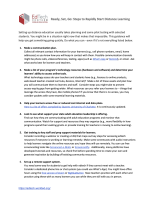
You must be logged in to download this resource. Register now if you don't have an account.
Abstract:
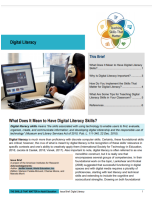
You must be logged in to download this resource. Register now if you don't have an account.
Abstract:
You must be logged in to download this resource. Register now if you don't have an account.
Abstract:
You must be logged in to download this resource. Register now if you don't have an account.
Abstract:

You must be logged in to download this resource. Register now if you don't have an account.
Abstract:
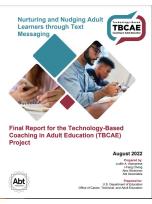
You must be logged in to download this resource. Register now if you don't have an account.
Abstract:
You must be logged in to download this resource. Register now if you don't have an account.
Abstract:
You must be logged in to download this resource. Register now if you don't have an account.
Abstract:
Google and COABE are co-hosting a webinar series around Google's free digital literacy curriculum. In this webinar, Google's Applied Digital Skills team will walk us through its website's support resources, how to get your students G Suite certified, and the next steps you should take to start teaching the free curriculum. To sign up for free and start using Applied Digital Skills with your learners, go to g.co/applieddigitalskills/coabe and click Sign Up to create a teacher account.